Log In
After installation, start Device Manager and log in. Before logging in, you need to run OVOC.
Device Manager is a secured web client that runs on any standard web browser supporting HTML5: Internet Explorer v11 and later, Chrome or Firefox.
| ➢ | To log in to the Device Manager via OVOC: |
| 1. | In your Web browser, enter the HTTPS URL of the OVOC server. |
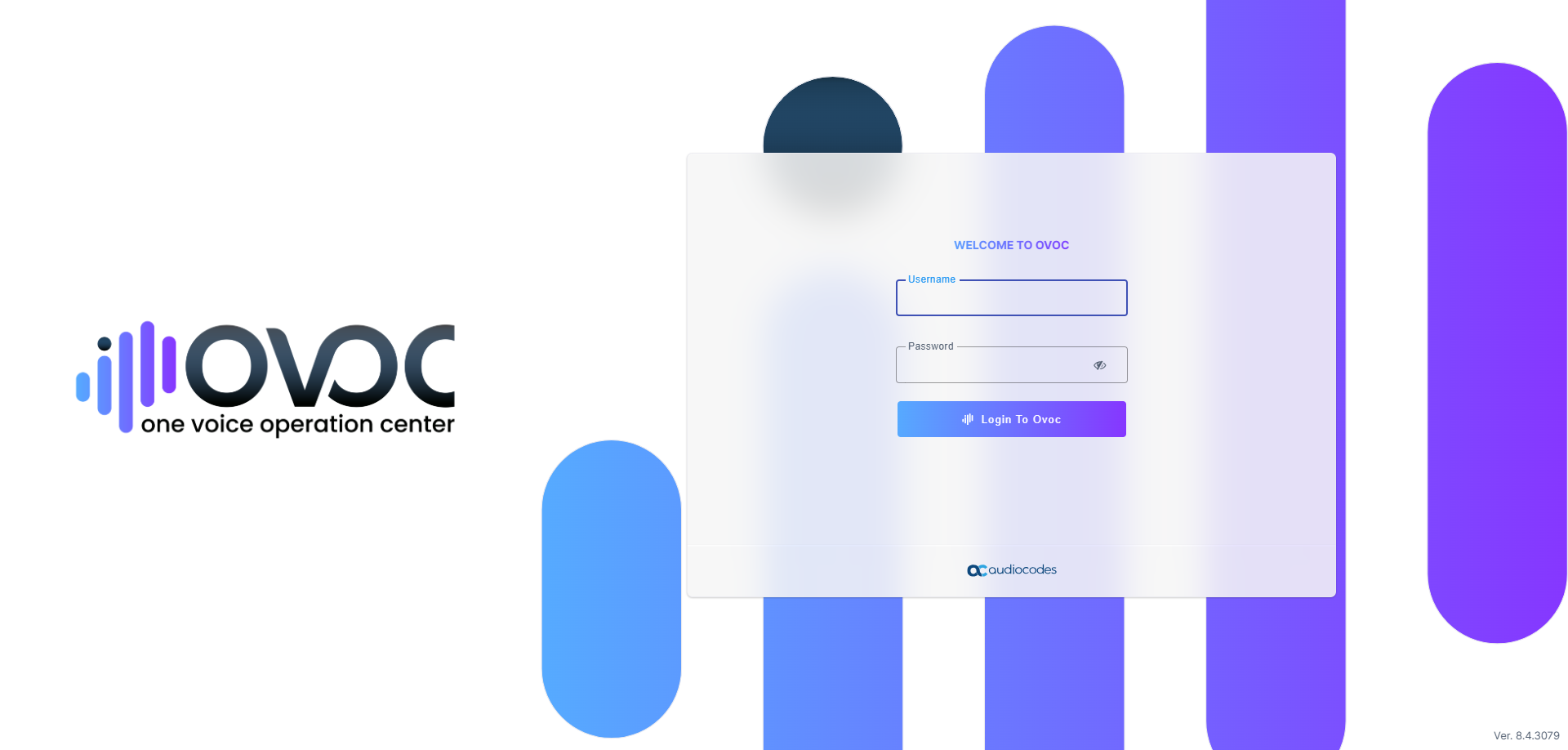
| 2. | Enter the Username and password (default username and password are acladmin and pass_1234 respectively) and then click Login to Ovoc. The OVOC Dashboard opens. |
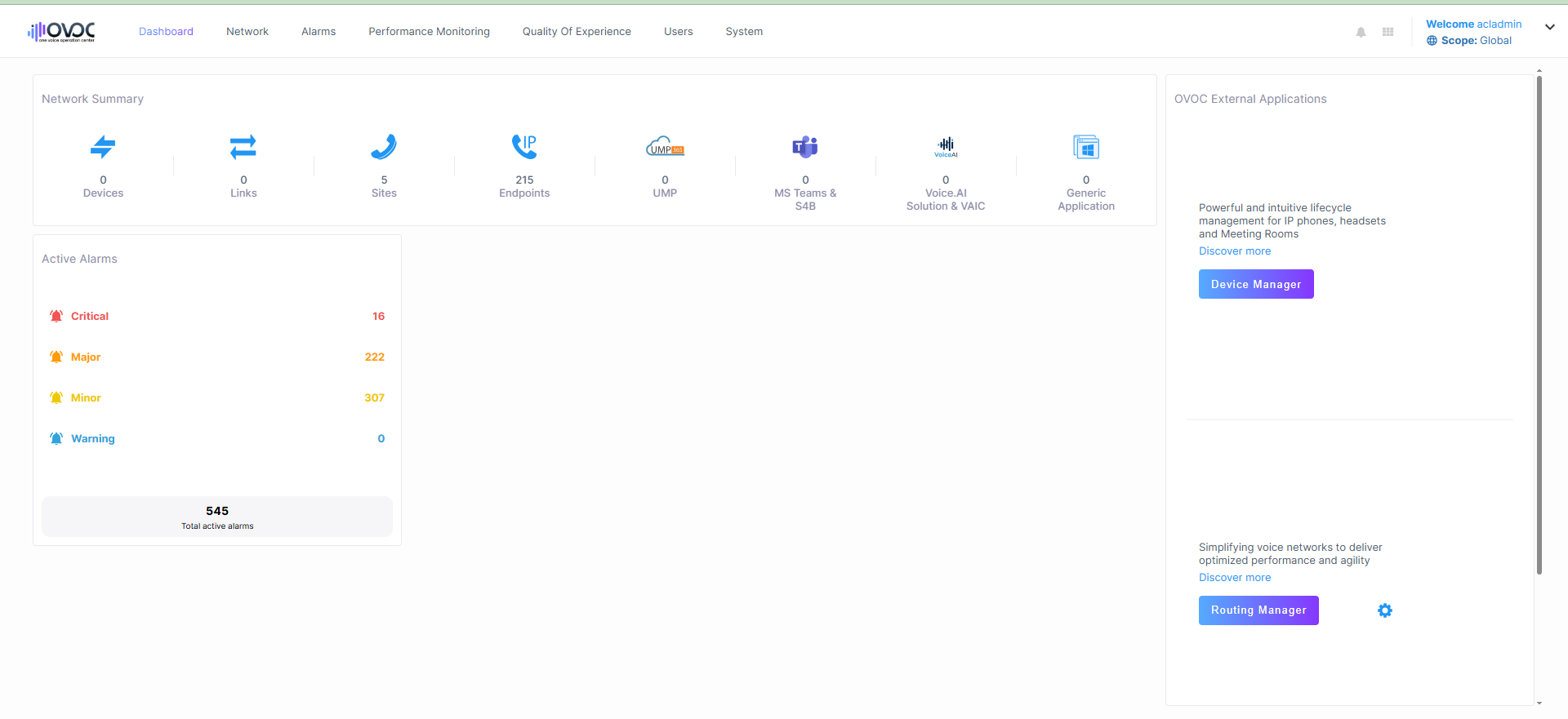
| 3. | To open the Device Manager do either of the following: |
| ● | If available, click Device Manager in the 'Ovoc External Applications' pane (located in the right part of the OVOC Dashboard). |
| ● | Otherwise, access it from the OVOC menu (Network > Endpoints > Configurations): |
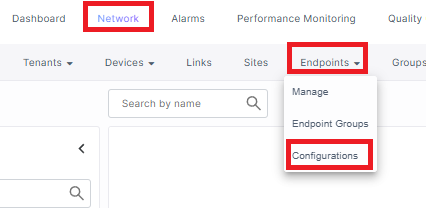
The Device Manager Dashboard opens.
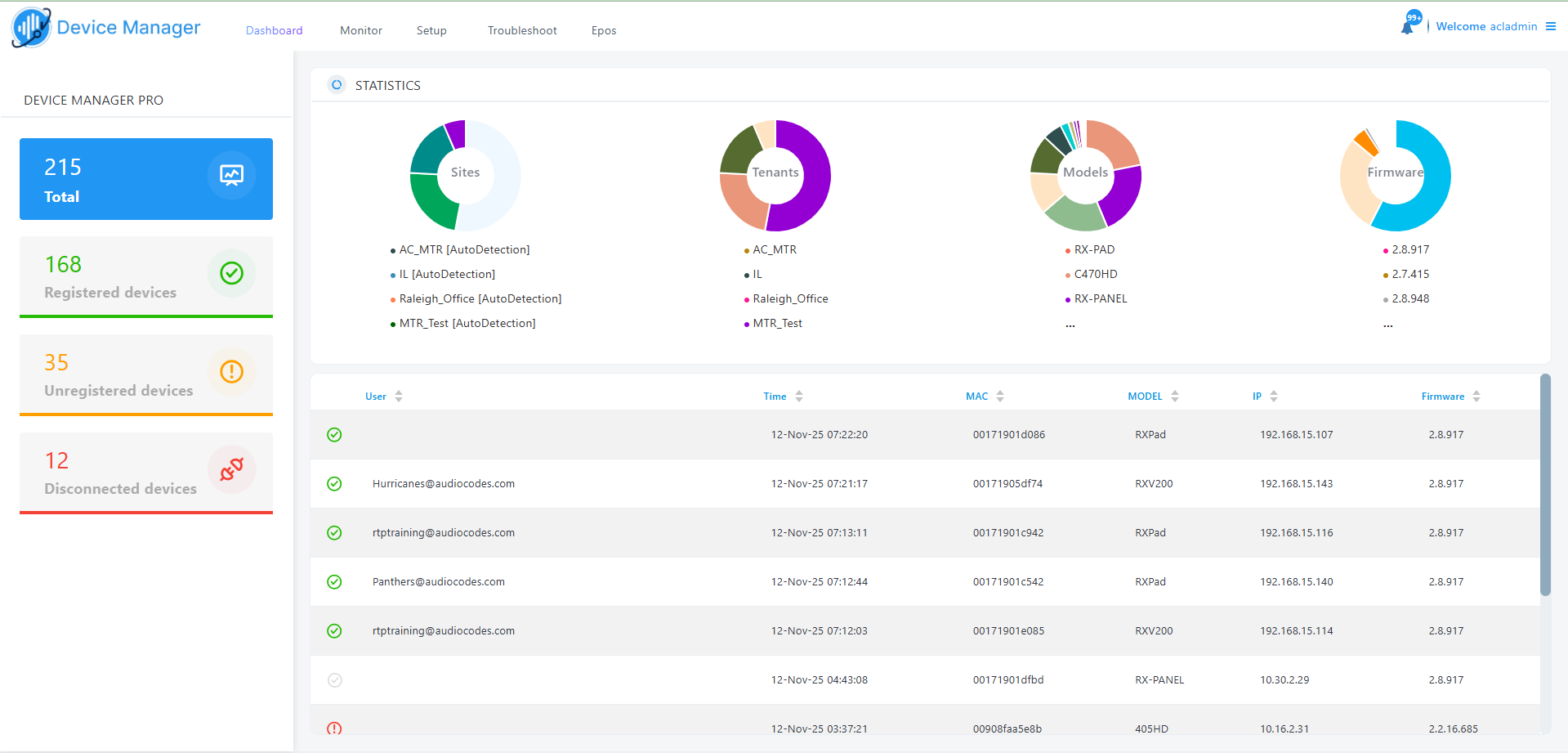
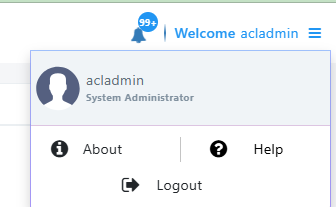
| 4. | To logout and return to OVOC, click Logout. |
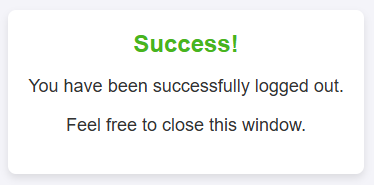
| 5. | The Device Manager is closed. Close the window and switch to the OVOC browser tab. |